
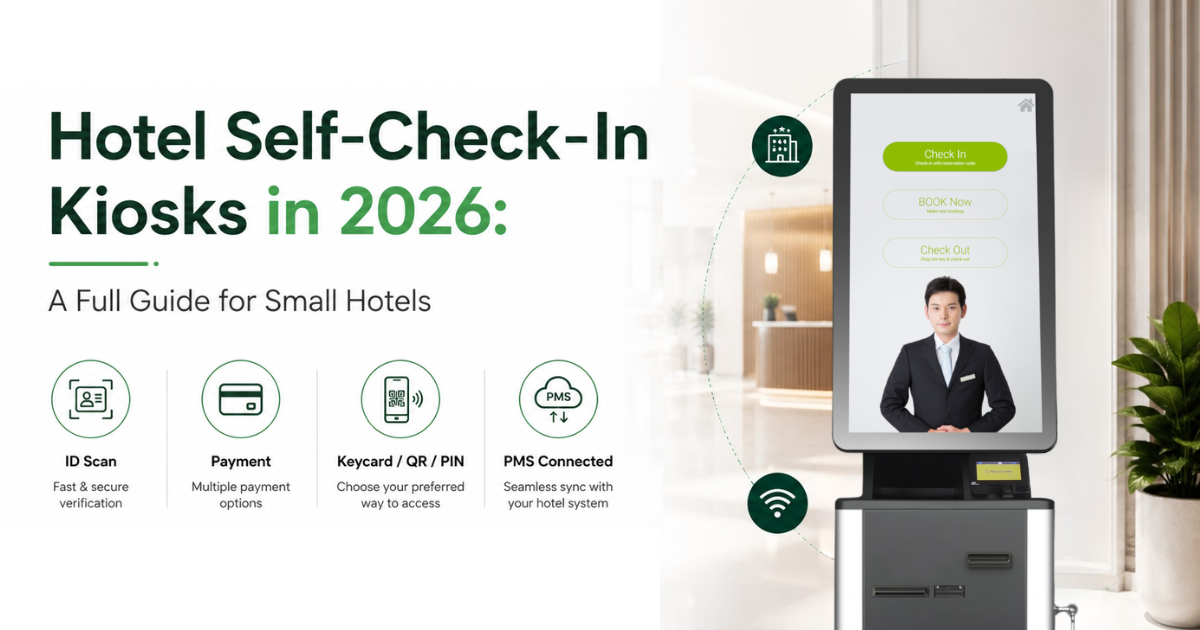
Quick answer: A hotel self-check-in kiosk is a self-service machine in your lobby that lets guests check in, check out, and pay on their own, without waiting for a front desk agent. In 2026, small hotels use kiosks mainly to clear lobby congestion at peak hours, serve late-night and walk-in guests without extra staff, and keep check-in fast during busy periods. This guide explains how they work, how they handle security and access control, and how to pick the right one.
What is a hotel self-check-in kiosk?
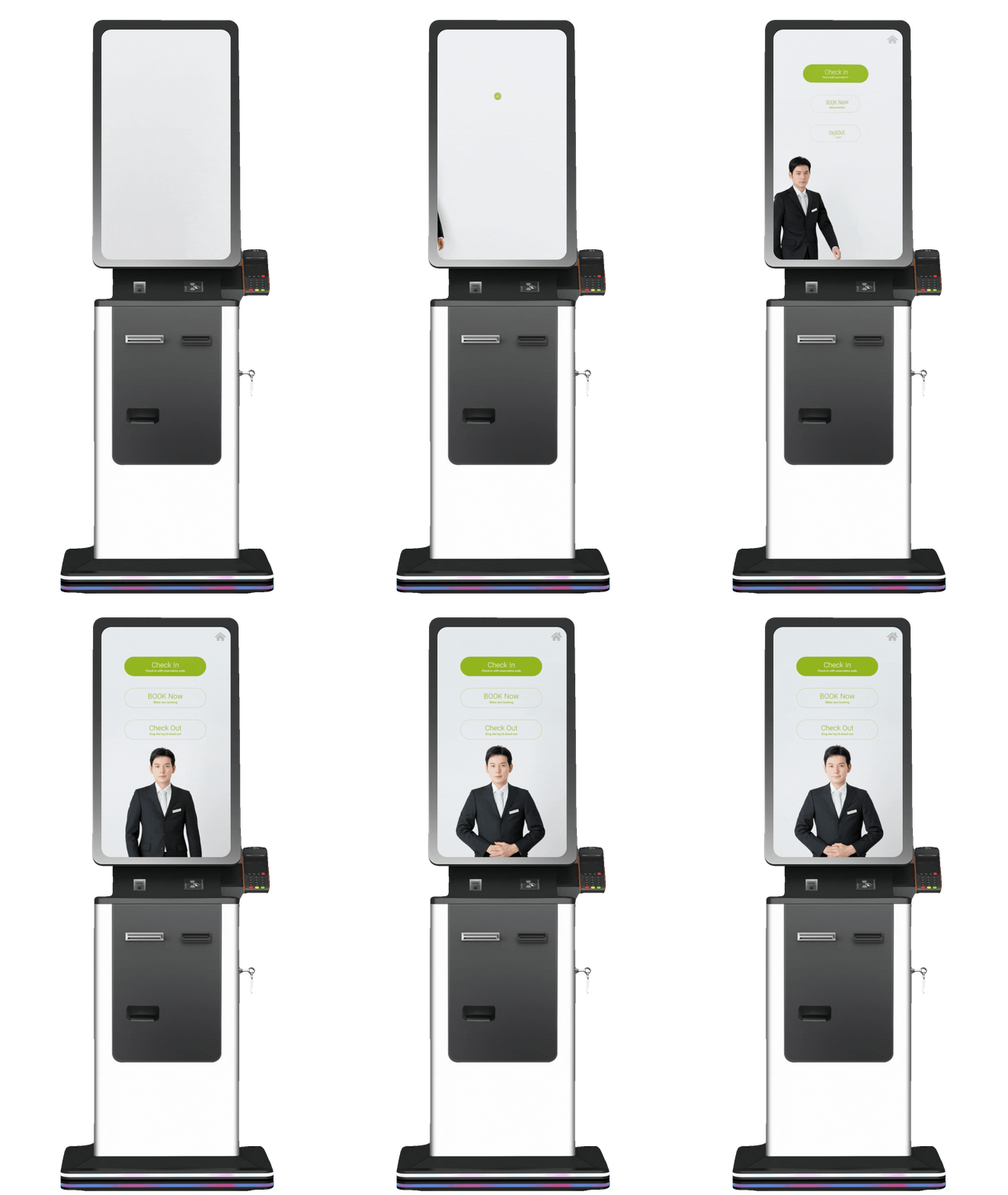
A self-check-in kiosk is a terminal that guests operate themselves. A typical unit can:
- Verify a guest's identity by scanning an IC (MyKad) or passport
- Pull up the booking, whether it came from an OTA, your website, or a walk-in
- Take payment
- Issue a room key or key card
The important part is what happens behind the kiosk.
A kiosk should connect directly to your Property Management System (PMS) so bookings, payments, room status, and guest information are updated in real time.
With Softinn, the Hotel Kiosk works together with Softinn PMS to complete the guest check-in process without staff having to manually enter the same information again.
Why Are More Hotels Using Self-Check-In Kiosks?
Self-service is already familiar to guests. We use it at airports, restaurants, supermarkets, and payment counters.
Hotels are moving in the same direction.
As of June 2026, hotels using Softinn Hotel Kiosk report that more than 90% of guests check in and out through the kiosk instead of the front desk.
For small hotels, there are two practical reasons for this shift:
-
Faster guest arrivals. Guests can complete routine check-ins themselves instead of waiting for staff. Walking up to a machine in a hotel lobby now feels normal, not novel.
-
Less pressure on front desk staff. Hotels can handle busy periods and late arrivals without adding another staff member just to process check-ins.
How Can a Kiosk Reduce Lobby Congestion?
Hotel arrivals often happen around the same time. When several guests arrive together, one front desk can quickly turn into a queue.
-png.png?width=500&height=574&name=ig2_kiosk_lobby_congestion%20(1)-png.png)
A kiosk creates another check-in lane.
While staff assist guests who need help, other guests can scan their identification, retrieve their booking, make payment, and complete check-in themselves.
This is especially useful for:
1. Late-night and after-hours arrivals, when fewer staff are available
2. Peak check-in and checkout periods
3. Walk-in guests, who can book and pay at the machine without tying up your staff
On Softinn's PMS, pre-arrival web check-in is designed to cut queuing time by up to 65.7%, and a lobby kiosk extends that same self-service flow to guests who did not check in before arrival.
Read more: 4 Reasons Why Your Hotels Should Use a Self-Check-In Kiosk
What About Security and Room Access?
Self-check-in does not mean skipping guest verification. A good self-check-in flow tightens your visitor management and access control:
- Identity verification. The kiosk reads a MyKad or passport directly, which reduces manual entry errors and gives you a clean guest record for compliance and audit.
- Key issuance. The kiosk can issue the room key or key card only after payment and verification are complete, so access is tied to a confirmed booking.
Guests also get a choice of how to open the room.
A Softinn kiosk supports three access modes: Physical keycard, PIN code, QR code.
PIN and QR access can be printed directly on the guest's receipt, while keycards can be encoded through compatible hardware.
The kiosk can also connect with supported smart door locks, allowing hotels to build the access method that best fits their property. See the full list of compatible door locks here.
Softinn also handles the hardware side through its kiosk software, which connects devices like the room key encoder, MyKad reader, and passport scanner so the machine can complete a full check-in on its own.
-png.png?width=500&height=470&name=ig3_kiosk_three_access_modes%20(1)-png.png)
What Should You Check Before Choosing a Hotel Kiosk?
Use a short, honest checklist before you talk to any vendor:
- Does it integrate with your PMS in real time? A kiosk that does not sync bookings, rates, availability, and folios back to your PMS will create double work, not less.
- Can it handle your booking sources? It should serve OTA bookings, direct bookings, and walk-ins, not just one of the three.
- Which payment methods does it accept? Check for the local gateways and e-wallets your guests actually use.
- Can it verify local IDs? MyKad and passport scanning matters for Malaysian and regional properties.
- Does it integrate with your door locks? The kiosk should issue the room key, PIN, or QR code that your existing locks actually accept. Check that your lock brand is on the vendor's supported list, so you are not forced to replace hardware just to go self-service.
- What is the total cost, not just the sticker price? Ask about hardware, software, installation, and maintenance separately. Softinn has a plain-English breakdown in its hotel self-check-in kiosk price range guide.
📥 Free resource: PMS Buyer's Toolkit →
Before you add a kiosk, make sure the PMS behind it can keep up. We built a PMS Comparison Scorecard (Excel) and a PMS Demo Question Checklist to help you compare your options. Download both for free now.
Is a Self-Check-In Kiosk Worth It for a Small Hotel?
I believe a kiosk is a lever, not a magic fix. It will not save a hotel that has messy rates, no clear booking sources, or a PMS that its own staff avoids. The kiosk only shifts guests to self-service smoothly when the system behind it is already clean and reliable.
I also believe small hotels should not treat the kiosk as a way to cut people. When more than 90% of guests choose the machine, the point is not to remove your team. The point is to stop spending them on repetitive check-in typing so they can spend that time on the guest in front of them.
Choose a kiosk that talks to your PMS properly, and expect it to become your main check-in path rather than an occasional overflow lane. Get that right, and the congestion, the late-night stress, and the payment errors take care of themselves.
Frequently asked questions
-
Do guests actually use self-check-in kiosks?
-
Yes, and more than most owners expect. As of June 2026, hotels on Softinn's Hotel Kiosk report over 90% of guests checking in and out at the machine rather than the front desk. Adoption still varies by guest mix and property type, so your own results will depend on your guests.
-
-
Will a kiosk replace my front desk staff?
-
Most small hotels keep a person on site, but expect the kiosk to carry the bulk of check-ins. When over 90% of guests self-serve, your team is freed from repetitive typing to spend time on the guests who want a person.
-
-
Does a kiosk need to connect to my PMS?
-
For it to be useful, yes. Without real-time PMS integration, bookings and payments made at the kiosk will not flow into your system, which defeats the purpose.
-
-
Can a kiosk handle walk-in guests, not just online bookings?
-
A good one can. It should let a walk-in guest choose a room, pay, and get a key on the spot, with everything recorded in the PMS.
-
-
Can I use a hotel kiosk without a keycard?
-
Yes. A Softinn kiosk supports three access modes: keycard, PIN code, and QR code. The PIN and QR both print on the booking receipt, so guests can unlock the room without any card to encode. You can keep your existing locks, since the kiosk integrates with most smart lock brands.
-


Tai Pei Shi
Hi, I am Pei Shi. I am a Technopreneurship student and digital marketing intern in Softinn.
Comments
Recent Posts
Hotel Wi-Fi PMS Integration: Give Every Guest Their Own Password, Automatically
AI Won't Run Your Hotel. But It Can Help You Run It Better.
Google AI Mode for Hotels: What Hotel Owners Need to Know
When the Minimum Wage Goes Up, What's Your Hotel's Next Move?
Why Hotels Should Offer Reserve Now, Pay Later to Guests